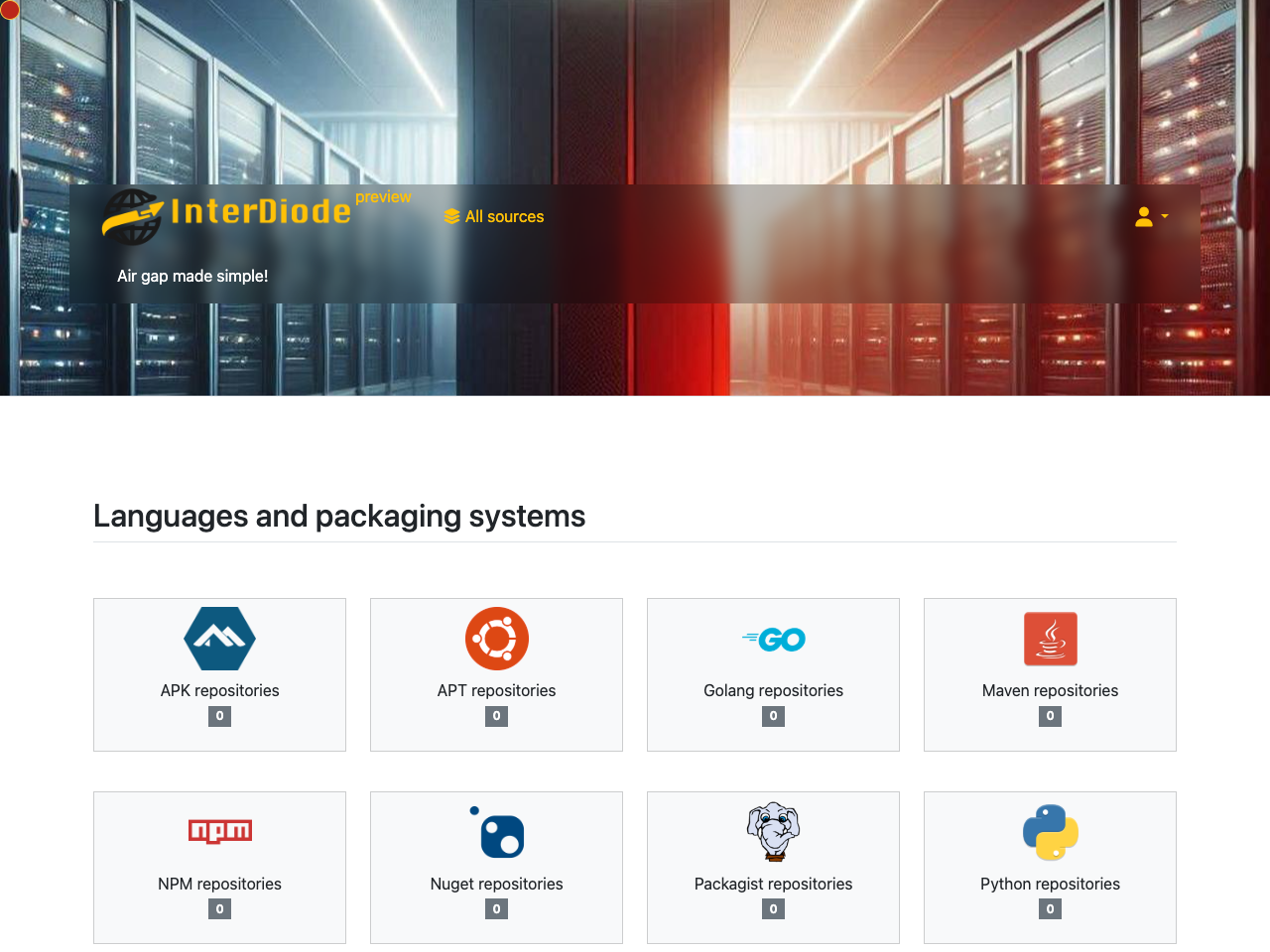
Push internet resources to air-gapped networks
A self-hosted platform that retrieves resources and artifacts from the internet and delivers them to your internal network.

InterDiode helps you to comfortably work with a properly disconnected network. InterDiode gathers many resources from the internet and makes them available on your internal, secured, network. You need two InterDiode servers, the first one being connected to the Internet and pushing downloaded data to the second, offline, server.
InterDiode will leverage your existing means of transferring data, whether through direct transfer via a simple firewall or a real diode, or via file transfer if you already have a complete unidirectional transfer solution. You can even use InterDiode to transfer files via removable media such as USB drives or DVDs.
InterDiode copies programming language repositories, documentation, emails, or RSS feeds along with their linked web pages. All data is transferred through a data diode; you can either use your own data diode protocol or utilize the built-in one. With InterDiode:
- Your USB drives will no longer travel back and forth between the internet and your internal network.
- Third-party packages or libraries will always be up-to-date.
- Developers are happier and more productive with such a better environment 😀
Of course, a complete authorization system is provided, allowing only allowed users to select which data is gathered and transferred to your red network.
InterDiode is provided as Docker images, with an example of a Docker-compose file.with an example of docker-compose file.
Local demo
export EMAIL=<enter_your_email_here>
export NAME=<enter_your_name_here>
# download a license tied to your email and name, and store it in the compose.env file
echo "LICENSE_KEY=$(curl -L -X POST -H 'Content-Type: application/x-www-form-urlencoded' --data-urlencode product_id=42 --data-urlencode buyer_name=${NAME} --data-urlencode buyer_email=${EMAIL} https://license.interdiode.fr/v1/license/)" > compose.env
# download the compose.yaml file
curl -L -O https://interdiode.fr/static/latest/_static/examples/compose.yaml
# start the demo on http://localhost:8881/
docker compose up -d
# visit http://localhost:8881/ (internal side) or http://localhost:8882/ (internal instance)
Check the documentation to install and run your own InterDiode instance.